
Hawkins County DUI Records Search
Hawkins County DUI Records are centered in Rogersville, and the search path is mostly the same every time. The Circuit Court Clerk keeps the official file, the General Sessions Court handles misdemeanor DUI matters and preliminary hearings, and the sheriff's office keeps the arrest record. That means you can usually start with the county portal, then confirm the file at the courthouse. The county is large enough to have a serious docket, but the record trail still stays local. If you have a name and a date, you are already most of the way there.
Hawkins County Quick Facts
Where to Find Hawkins County DUI Records
The Hawkins County Circuit Court Clerk is at 115 Justice Center Drive, Suite 1237, and the research notes say the office keeps Circuit Court, General Sessions Court, and Juvenile Court records. That makes it the primary source for Hawkins County DUI Records. The clerk also maintains dockets, public access records, subpoenas, and expungement orders. The office has public computers for record searches and security screening for visitors. That means a walk-in search is possible, but it works best when you already know the name or the case number. The county page at hawkinscountytn.gov is the first local link to use.
The sheriff's office adds the arrest record side. Booking logs, incident reports, and accident reports can help you match the stop to the court case. The county notes say the sheriff participates in checkpoints and saturation patrols, which often makes the arrest record easier to find than the final court file. If you need to confirm the hearing branch, the General Sessions Court handles misdemeanor DUI cases and preliminary hearings. For an online preview, the Tennessee court portal at tncrtinfo.com can narrow the search before you call the clerk.
Rogersville keeps the record trail fairly direct. That helps when you need a quick docket check.
Note: Security screening is required, so plan a little extra time for a courthouse visit.
The county clerk page at hawkinscountytn.gov is the first local source for Hawkins County DUI Records.
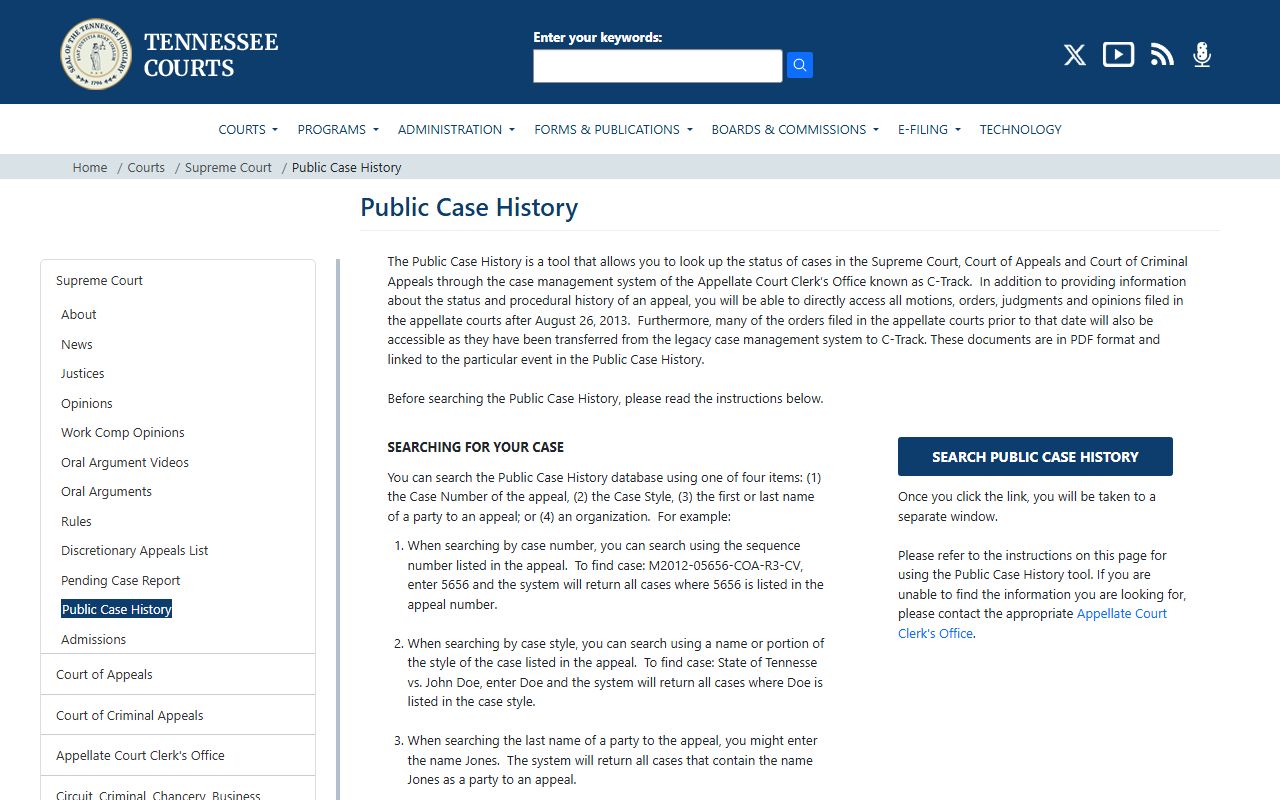
That state case history search helps when you need to preview the file before calling Rogersville.
How to Search Hawkins County DUI Records
Use the county portal first, then the statewide court tools. The Tennessee Online Court Records system lets you search by county, court type, party name, and case number. For Hawkins County, the case number is the fastest route. Party name searches are still useful, but they can return more than one result if the name is common. The local clerk can help you sort that out, especially if you know whether the matter stayed in General Sessions or moved into Circuit Court.
In person, bring the full name, approximate filing date, and any arrest date you have. The clerk office can search the docket, and the sheriff's office can check the booking record. For public-record questions, the Office of Open Records Counsel explains how Tennessee handles access, fees, and redactions. If the case later appears in appellate records, the Tennessee Public Case History tool can show that higher court step. Hawkins County records work best when you search them in layers, not all at once.
- Start with the county and case type.
- Use a case number whenever possible.
- Check the arrest record and the docket together.
- Ask for a certified copy if you need proof.
That keeps the record hunt focused.
The Tennessee courts homepage at tncourts.gov is a second state source for Hawkins County DUI Records.
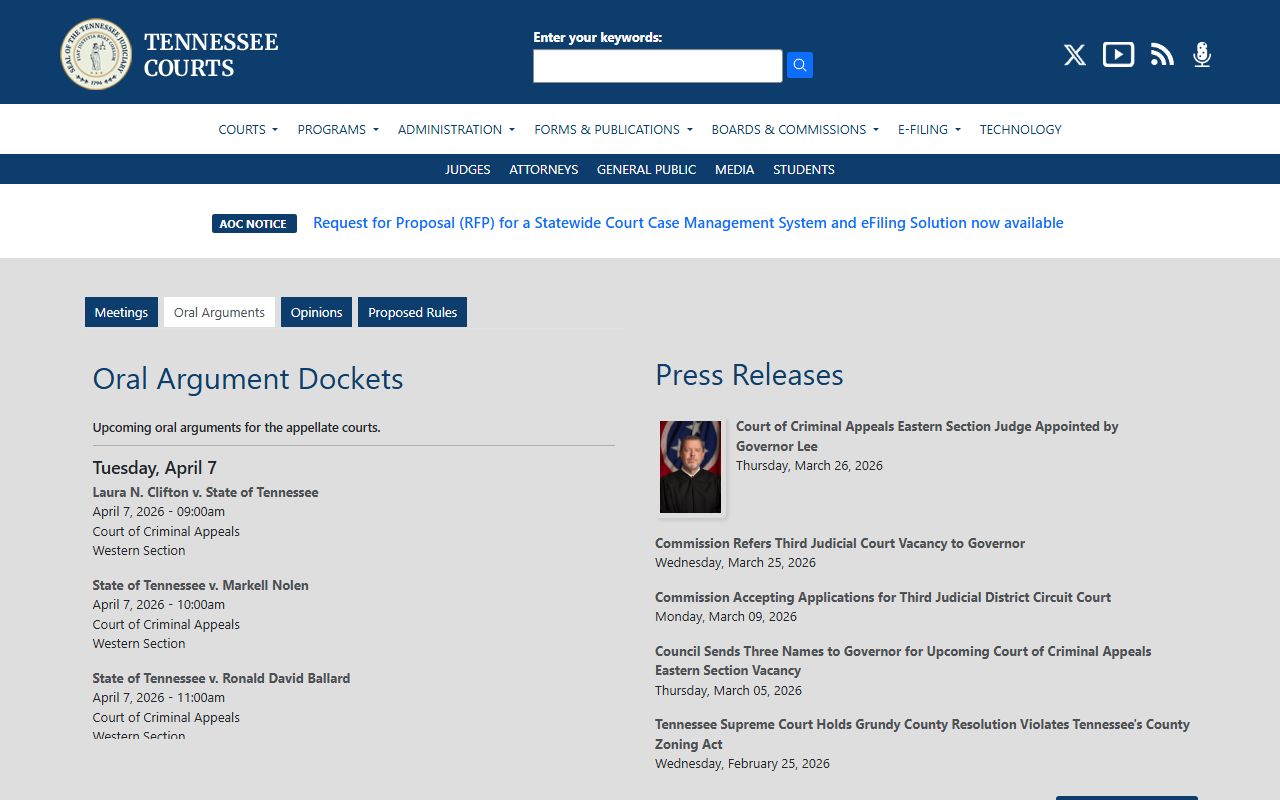
That page gives you a clean statewide starting point when the local file is still unknown.
Hawkins County DUI Records and Dockets
Hawkins County DUI Records usually follow a simple path. The sheriff makes the arrest record. General Sessions handles the first hearing for misdemeanors and preliminary matters. The Circuit Court Clerk keeps the full court file and the public docket. Because the office also handles juvenile records and expungement orders, it can tell you whether the file is fully public or partly closed. That matters when an online search turns up less than you expected. The file may still be there, even if the portal is thin.
The county also notes that the clerk keeps dockets for all courts and issues court orders and subpoenas. Those entries can show up in the paperwork even when the public docket looks short. Under T.C.A. § 10-7-503, public access is broad, but Hawkins County still has to protect juvenile and sealed material. If the case led to a license loss, the Department of Safety reinstatement page can help you see the next step after the county file. The main record still stays with Hawkins County, but the fix may require a state follow-up.
Note: A docket can show that a case exists, but only the certified copy proves the final result.
What Hawkins County DUI Records Show
Most Hawkins County DUI Records show the defendant name, the charge, the filing date, the hearing date, and the disposition if it is public. Arrest records can add the booking number, the officer note, and the incident summary. If the case involved a felony-level DUI, the Circuit Court file may contain more detail than the General Sessions docket. That is why the clerk office is the key. It keeps the final paper trail, and that is the copy most people need for court or license work.
If you are looking for older records, the State Library and Archives can help with historic materials. If you need a general request guide, the Open Records Counsel site is the statewide reference. Those resources help, but they do not replace the county file. In Hawkins County, the county record is the anchor. The state tools only help you reach it faster. That is the clean way to search here.
Note: Public records law opens the file, but it does not override every seal or redaction.