
Haywood County DUI Records Lookup
Haywood County DUI Records are centered in Brownsville, and the county keeps the record path fairly close to the courthouse. The Circuit Court Clerk maintains the court file, General Sessions handles misdemeanor DUI cases and preliminary hearings, and the sheriff's office keeps arrest records. If you begin with the Tennessee court portal, you can usually confirm whether the case is still open before you call the clerk. That makes the search cleaner. It also helps when you need a certified copy for court, a license issue, or your own records.
Haywood County Quick Facts
Where to Find Haywood County DUI Records
The Haywood County Circuit Court Clerk is at 100 South Dupree, County Justice Complex, and the research notes say the office keeps Circuit Court and General Sessions Court records. That makes it the main source for Haywood County DUI Records. The clerk handles criminal cases, civil litigation, and traffic violations, and certified copies are available for legal proceedings. The county court page at haywoodcountytn.gov is the best place to start because it points straight at the local record source.
The sheriff's office adds arrest records, booking logs, and incident reports. That matters when you need to match the stop to the docket. Haywood County also notes that the sheriff participates in DUI enforcement activities, so the arrest record can be especially useful in tying the case together. General Sessions handles misdemeanor DUI cases and preliminary hearings, while Circuit Court handles the more serious files. If you need a quick online check before a walk-in visit, the Tennessee court portal at tncrtinfo.com can narrow the county case and save time at the counter.
Brownsville keeps the process local and direct. That is a plus.
Note: The clerk is the place for the certified copy, while the sheriff is the place for the arrest side.
The county clerk page at haywoodcountytn.gov is the first local source for Haywood County DUI Records.
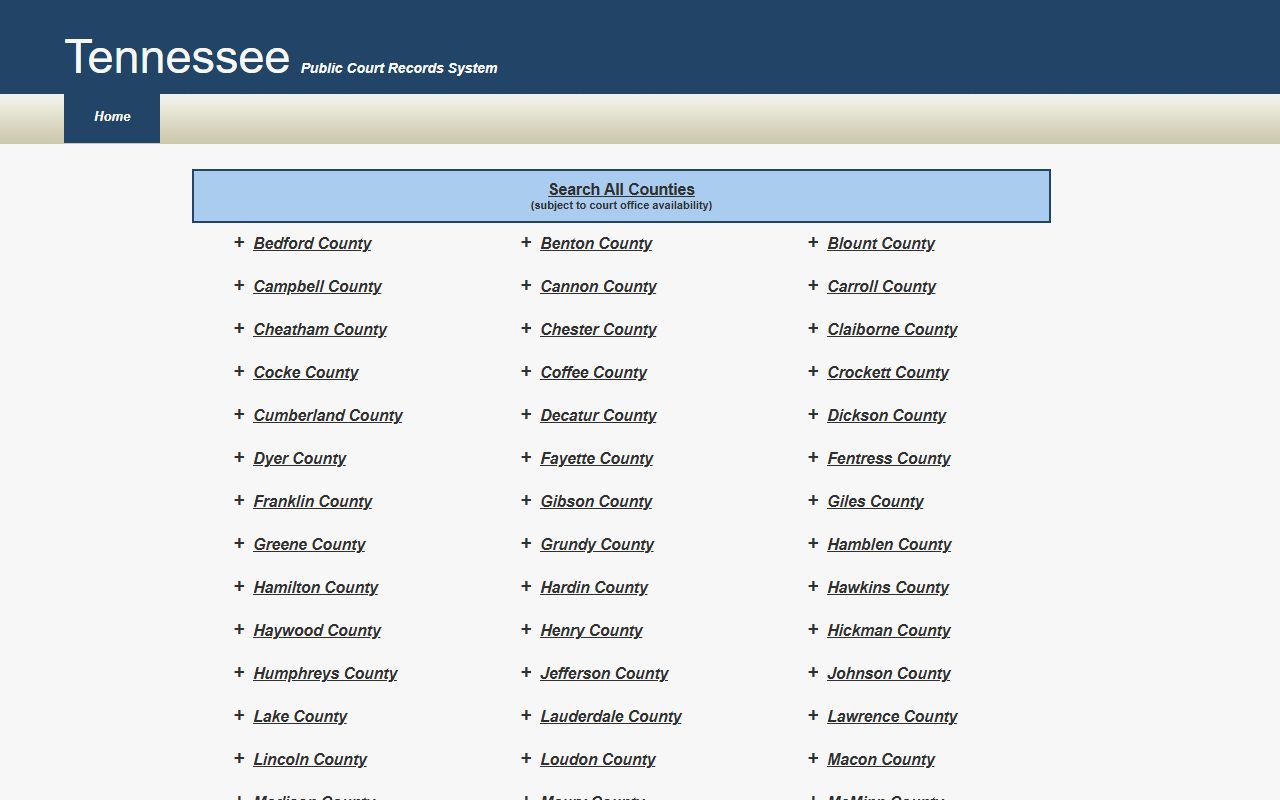
That state-level record search helps when you want to confirm the case before calling Brownsville.
How to Search Haywood County DUI Records
Start with the county and then check the state portal. Tennessee's online court record system can help you search by county, court type, and case number. For Haywood County, that is useful because the clerk handles several court types and the same name can show up in more than one file. A case number keeps the search tight. If you only have the name, add the filing year and the court level. That usually gets you close enough for the clerk to find the docket.
When you visit the courthouse, ask for the docket and the final disposition. The county notes say the clerk keeps dockets for all courts, coordinates jury selection, and handles public access during business hours. If you need help with a public records request, the Office of Open Records Counsel can explain fees and redactions. If the case later appears in an appeal, the Tennessee Public Case History tool may show the higher court record. Most Haywood County DUI searches never leave the county, but the state tools help when the local file is not enough.
- Search the county portal first.
- Use the case number when possible.
- Check the arrest record and the docket together.
- Ask for a certified copy if you need proof.
That keeps the search focused and efficient.
The county court page at haywoodcountytn.gov is the second local source for Haywood County DUI Records.

That state image fits the enforcement side of a county DUI search and points to broader crash data.
Haywood County DUI Records and Dockets
Haywood County DUI Records usually move through three parts. The sheriff creates the arrest record. General Sessions handles misdemeanor DUI cases and preliminary hearings. The Circuit Court Clerk keeps the official file and the public docket. That file can show hearing dates, continuances, bond notes, and the final result. It can also show fees and court costs. Since the county keeps the docket in one office, the search is easier than in bigger systems. The trick is just asking for the right document.
Under Tennessee law, DUI cases can turn on more than one fact. BAC matters, but impairment evidence can matter too. That means the court file may contain test results, notes about refusal, or later disposition entries that are not in a simple arrest log. Under T.C.A. § 55-10-401, the record can support a DUI charge even when the BAC is not the whole story. The county portal gives you the short version. The clerk file gives you the full one.
Note: A full court file can be more useful than a quick docket printout when you need to prove what happened.
What Haywood County DUI Records Show
Most Haywood County DUI Records show the defendant name, the charge, the filing date, the hearing date, and the final outcome if it is public. Arrest records can add the booking number, the stop location, and a short incident note. If the case went further, the file may also show payment entries or a later court action. That is useful when you need a paper trail for a license issue or a court deadline. The county clerk can usually tell you which copy is the right one before you pay for it.
For older material, the Tennessee State Library and Archives can help with historical court records. For request rules, the Open Records Counsel page is the statewide guide. Those resources do not replace the county file, but they do help you get there. Haywood County's record process is straightforward once you know the office split. Arrest record, docket, certified copy. That is the order that works.
Note: If a case was sealed or expunged, the public portal may only show a limited trace or nothing at all.