
Find Pickett County DUI Records
Pickett County DUI records are kept through the Circuit Court Clerk in Byrdstown, with General Sessions Court and the sheriff adding the rest of the trail. In a small county like Pickett, a direct request can move fast if the name and date are right. You can usually go from one office to the next without much trouble. That makes the county file a good place to start when you need a docket, a booking record, or a certified copy.
Pickett County Quick Facts
Where to Find Pickett County DUI Records
The Pickett County Circuit Court Clerk keeps the main court file at 1 Courthouse Square, Suite 100, in Byrdstown. That office handles Circuit Court and General Sessions Court records, which makes it the center of the county DUI record trail. Public access is available during business hours, and certified copies are available for legal use. If you need the case docket or the final order, the clerk is the first office to contact.
Use Pickett County Circuit Court Clerk for the records office and Pickett County General Sessions Court for misdemeanor DUI or preliminary hearing work. Those local pages help you decide whether the record you need is a docket entry, a complaint, or a later court order. In a county this small, that first split usually tells you where the file lives.
The sheriff is the arrest-side office. See Pickett County Sheriff's Office for booking records, incident reports, and jail records connected to DUI arrests. If the stop led to a crash or a short hold, the sheriff record can confirm the date and the charge before the clerk pulls the case file. That makes the search easier when the court docket is still thin.
Pickett County also works with the statewide search tools. The portal at tncrtinfo.com can show basic case status when the county participates. If the matter moved up on appeal, the Tennessee courts page at public case history is the next stop. Those tools help you confirm the trail before you ask for a copy.
For a Pickett County search that starts online, Tennessee Public Case History is a useful state-level fallback.
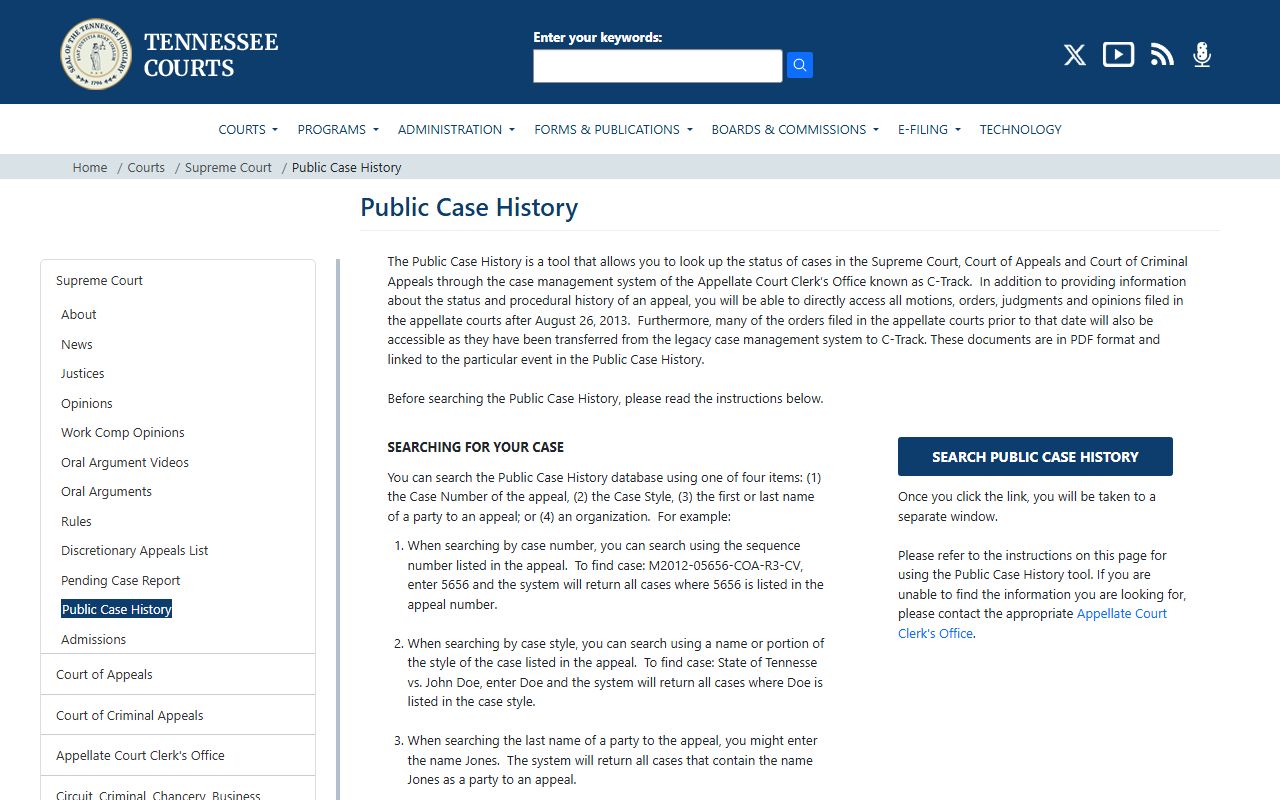
That state image works well for a county search that begins online and ends with the local court office.
How to Search Pickett County DUI Records
Start with the name and the date range. If you have the case number, include it. If not, ask the clerk to check General Sessions Court first and then Circuit Court if needed. Pickett County is small enough that a precise request often gets you the right answer quickly. A broad request can slow things down without adding any value.
Online, use tncrtinfo.com for a free first look. Search by party name or case number and confirm the status before you ask for copies. For broader court support, tncourts.gov gives you the court system and case history tools. That helps when the local file is only part of the story.
A request under T.C.A. § 10-7-503 should name the paper you want. Say if it is a docket check, a plain copy, or a certified copy. If you ask the sheriff, match the request to the booking or incident date. The clearer the request, the faster the answer in Pickett County.
Use this short checklist for Pickett County DUI records:
- Full name of the person
- Approximate arrest or filing date
- Case number, if you have it
- Clerk file, court docket, or sheriff record
Note: A date range and the right court name are the two best anchors for a small county search.
What Pickett County DUI Records Show
Pickett County DUI records can show the stop, the booking, the hearing date, and the final result. A file may include the complaint, docket notes, bond paperwork, and the closing order. If the case moved beyond General Sessions Court, the county record may show a Circuit Court path for a more serious matter. That local trail is the real value of the file. It tells you how the county handled the case from start to finish.
The record may also reflect testing, refusal, or sentencing notes tied to Tennessee DUI law. The rules in T.C.A. § 55-10-401 and T.C.A. § 55-10-406 help explain why those details appear in a Pickett County file. The docket may be short, but it often shows enough to tell you what happened and where the case went.
Some items may still be redacted or sealed. If you need the cleanest version, ask whether the file is active, archived, or ready to certify. That answer can save you time in a small county because it tells you whether the clerk can print the copy now or needs to pull the paper file first.
Pickett County DUI Records Copies
The clerk can usually help in person or by mail. Include the full name, the date range, and the court in the request. Certified copies are best for court or agency use. Plain copies are fine for a first review. Because Pickett County records are held in one small court center, a short and exact request usually gets the cleanest answer.
For older records, the Tennessee State Library and Archives at sos.tn.gov/products/tsla can help with historical court material. The Office of Open Records Counsel at comptroller.tn.gov can also help if the request needs to be narrowed or clarified. Those support tools matter when the file is older or stored away.
Related Tennessee DUI Records Resources
The statewide tools round out a Pickett County search. Use tntrafficsafety.org for DUI and crash context, tncrtinfo.com for the first online case check, and tncourts.gov for state court history and forms.
Those links help you decide whether the county clerk has the full file or whether the state system has more to show.